How to get WiFi in car on a national park road trip
A navigation app freezes halfway up a canyon road, a client call drops, and the kids’ shows suddenly all need a connection. In many parks, the signal dies a few miles past the entrance station. Yellowstone’s visitor services page actually refers to cell service as “extremely limited”. Knowing how to get WiFi in car before you even leave is key to saving hours in the field, searching for a single bar at a roadside turnout.
How to get WiFi in car for national park road trips: key insights
- The cheapest answer to how to get WiFi in car is to use your phone’s mobile hotspot, but it’s completely useless anywhere the road doesn’t have a carrier tower.
- Every Starlink Roam plan supports in-motion use up to 100 mph, and US prices in 2026 start at $55/month for 100GB.
- Google Maps offline areas expire and refresh automatically (only over WiFi), so travelers should be sure to update them in a gateway town.
Why do so many national park roads have absolutely no cell coverage?
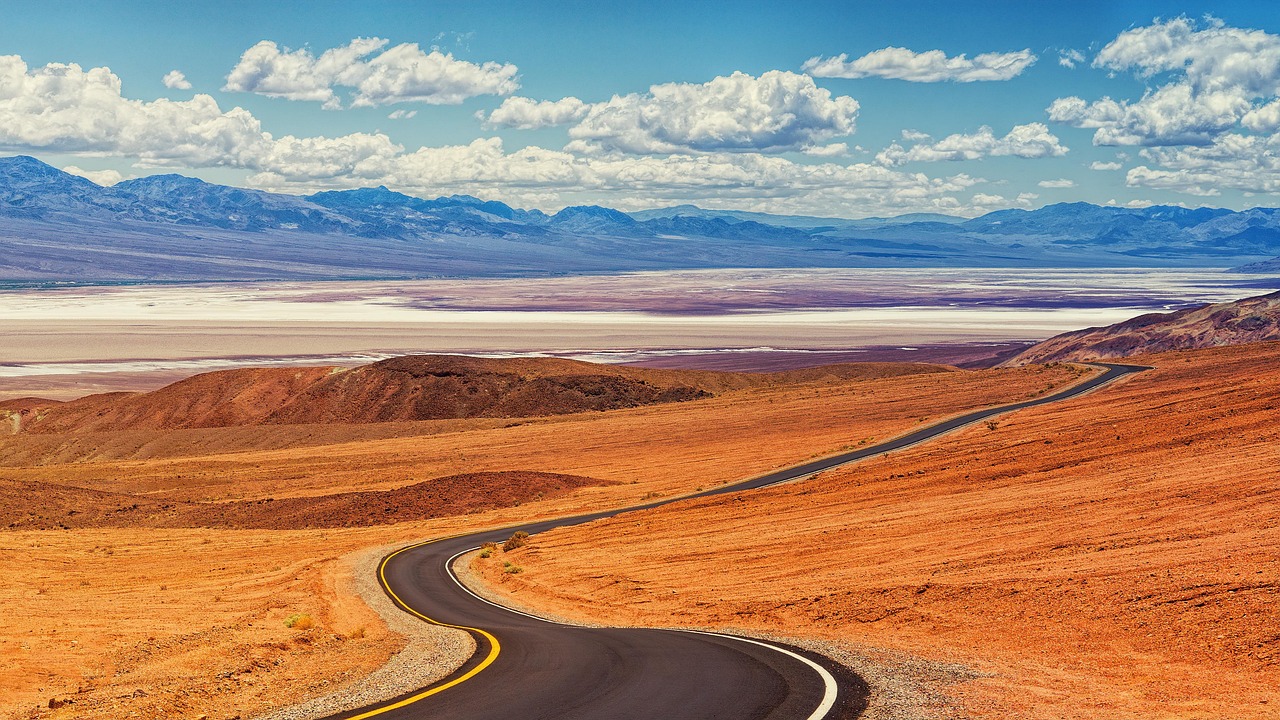
The vast majority of parks are in mountain valleys or out in the remote high desert, far from highways and towns that have their own towers. Park rules also restrict where new towers can be located, and wilderness areas get a lot of protection. The result is that the service is concentrated around lodges and visitor centers, and then it just vanishes on the scenic drives between them.
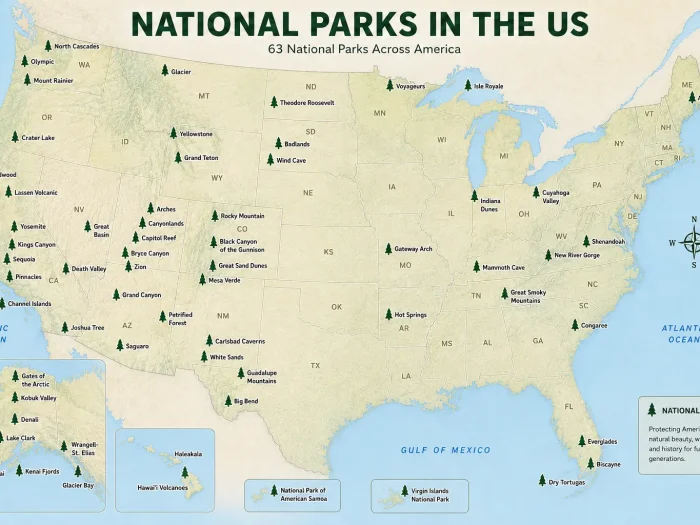
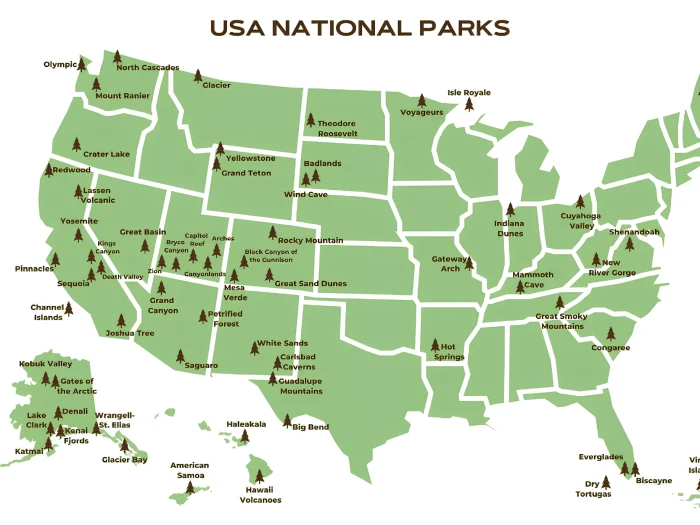
A carrier is also important. At Great Sand Dunes, the park connectivity page states that Verizon users generally get a signal right at the visitor center. That’s why when you’re planning how to get WiFi in car, you start with a coverage map rather than a handset. Comparing carrier maps against each of the stops on the list of national parks in the US will tell you where each network actually provides coverage.
How to get WiFi in car: hotspots, routers, built-in WiFi, and Starlink
Every option is either satellite- or cell tower-based, and it’s that one fact that determines where it will work.
| Option | Connects through | Works best for | Main limitation |
| Phone mobile hotspot | Carrier towers | Short trips with one or two devices | Drains the battery; hotspot allowances are often capped |
| Portable router with its own SIM | Carrier towers | Families and remote work on several devices | Needs a separate data plan |
| Built-in car WiFi | Towers via a roof antenna | Passengers streaming on highways | Paid subscription after the trial |
| Starlink Mini on a Roam plan | Low Earth orbit satellites | RV and van travelers far from towns | Needs open sky; trees and cliffs block it |
| T-Mobile T-Satellite | Satellites linked to the phone | Texts and a few apps in dead zones | Slow, app-limited service; no WiFi network |
Starlink Roam for RV travelers who need a connection past the last tower
For RV owners looking at how to get WiFi while traveling in car through remote parks, satellite is the only option that doesn’t rely on towers. Starlink states that all their Roam plans support in-motion up to 100 mph. A May 2026 Roam review includes a new 300GB tier at $80/month (that’s between the 100GB tier at $55 and Roam Unlimited at $175).
Signal booster setups for roads where a phone shows one weak bar
On roads with just one weak bar, a booster is often a missing piece in the puzzle of how to get WiFi in car. It takes a very weak signal, picks it up via an external antenna, and rebroadcasts it inside the car. It can turn one bar into a good solid connection, but it can’t create a signal where there isn’t one. FCC rules require an owner to register a booster with their carrier.
How to get WiFi on the road for remote work and clear video calls
Video calls and various company systems require more than just download speed. They require low and stable latency (the time it takes a packet to get to the server and back).
For remote workers accessing company systems while traveling, proxy ping can affect how quickly requests are processed and how responsive online applications feel. A stable mobile or satellite internet connection is essential for maintaining reliable access to work resources, especially in areas with limited cellular coverage.
Campground WiFi, visitor center hotspots, and offline maps before the gate
Dozens of campers share the campground WiFi, so it gets very slow in the evening. The visitor center networks are better for quick uploads. Yellowstone has free public WiFi at Albright, Old Faithful, and West Yellowstone. For the hours when you have no connection at all, offline prep is absolutely key:
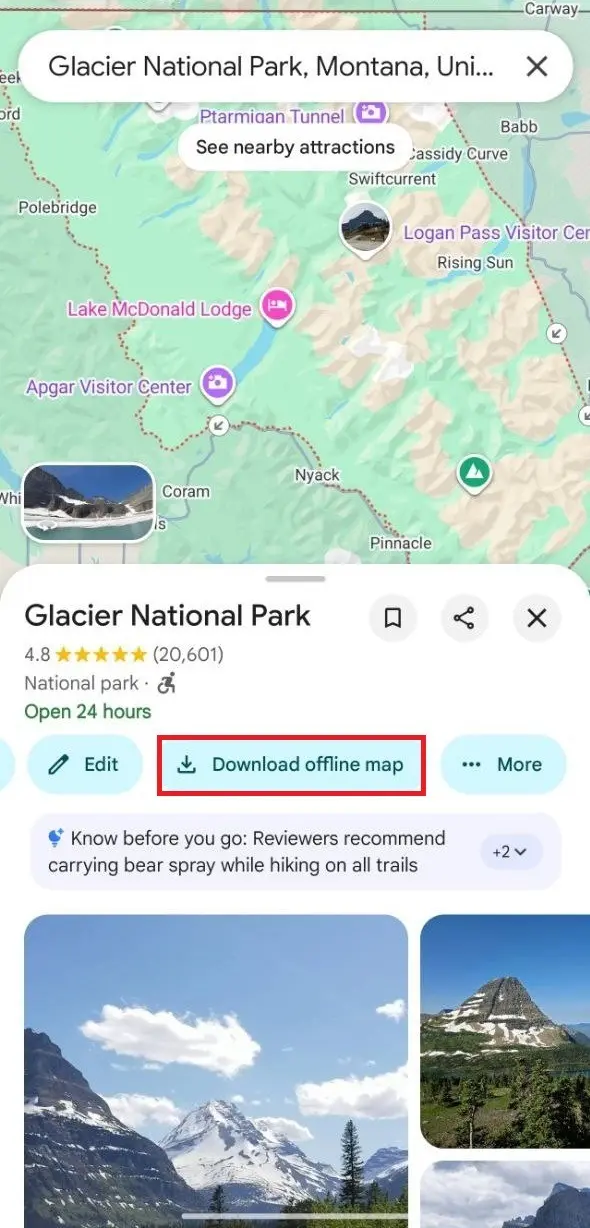
- Download offline areas in Google Maps for the park and the drive in.
- Turn auto-update on. Maps that are expiring in 15 days will refresh automatically only on WiFi.
- Save destination content to the official NPS app for offline use.
Some parks have entrances on opposite sides, and the Glacier National Park map and entrances guide is a good example of how one wrong turn can easily cost you an hour.
Public WiFi and social media safety at campsites and trailheads
Campgrounds and visitor centers are generally open, so other users on the same network can see unencrypted traffic. Stick to sites that load over HTTPS, turn off auto-join and file sharing, and don’t sign into your bank or work accounts on any public WiFi. For anything sensitive, a phone’s own hotspot is far safer than a public network.
A live post from a remote campsite will tell you where a family is sleeping tonight and that their house is empty. Posting photos after leaving each location reduces the risk. Turning off location tags and keeping the campsite number out of the picture also helps.
Which setup is best for a park road trip with remote work?
For most car users, the answer to how to get WiFi in car is pretty straightforward: a phone with a very generous hotspot allowance and offline maps. Remote workers go with a tower-based solution using a portable router and a signal booster. For an RV user who’s going to be out in parks for weeks at a time, it’s best to go with a Starlink Mini on a Roam plan and just put it on pause when you’re not using it.
Staying connected on a road trip: answers to frequently asked questions
These are short answers to the most commonly asked questions when you’re planning how to stay online between park gates.
Is there a free option for how to get WiFi in car in gateway towns?
There’s no such thing as a completely free in-car connection, though free WiFi is very easy to find from a parked car. A number of visitor centers have a public network available, and most libraries in gateway towns do too. Some of the campgrounds have WiFi as part of the site fee.
Does an unlimited phone plan cover how to get WiFi in car for a whole family?
It often doesn’t. A lot of unlimited plans out there will give you an unlimited amount of data on your phone but will have a separate cap on your high-speed hotspot. T-Mobile’s Experience More is a case in point with 60GB of high-speed hotspot data. Travelers are advised to check the hotspot allowance in their account details before a trip.
Can an AT&T or Verizon customer use T-Mobile’s satellite service?
Yes. T-Mobile opened T-Satellite to other carriers’ customers for $10 a month, and Experience Beyond includes it. Since October 2025, the service has supported optimized apps such as Google Maps, AllTrails, WhatsApp, and AccuWeather. It needs a compatible phone and a clear view of the sky.
Are more cell towers coming to parks under the 2025 EXPLORE Act?
Some are. The EXPLORE Act, signed in January 2025, directs the Interior Department to assess where parks most need broadband and cellular service. Each project still goes through environmental reviews, so new coverage arrives slowly and mostly in developed areas.