The Best Offline GPS Apps for National Parks (Where Your Phone Has No Signal)
The first surprise for many national park visitors comes about ten minutes past the trailhead: the signal bars disappear. Deep canyons, dense forest and remote valleys are exactly what make parks like Zion, Olympic, Great Smoky Mountains or Glacier special — and exactly why cell coverage is patchy or non-existent. If your plan for finding your way is “I’ll just check Google Maps,” you need a better plan.
The good news: your phone’s GPS works without any signal at all. GPS satellites don’t need the internet. What you need is an app that has its maps downloaded in advance and keeps recording your position when there’s no connection. Here are the best options, and what each one is genuinely good at.
What “offline” should mean before you trust an app
Before you rely on any app in a park, check four things at home:
- Maps are downloaded, not just cached. Scrolling around the area last week doesn’t count.
- Your position shows with airplane mode on. Test it in your driveway.
- Recording continues with the screen off. Battery savers on some phones quietly stop it.
- No login wall. An app that wants to sign you in at the trailhead is useless without signal.
1. AllTrails — best for choosing a trail
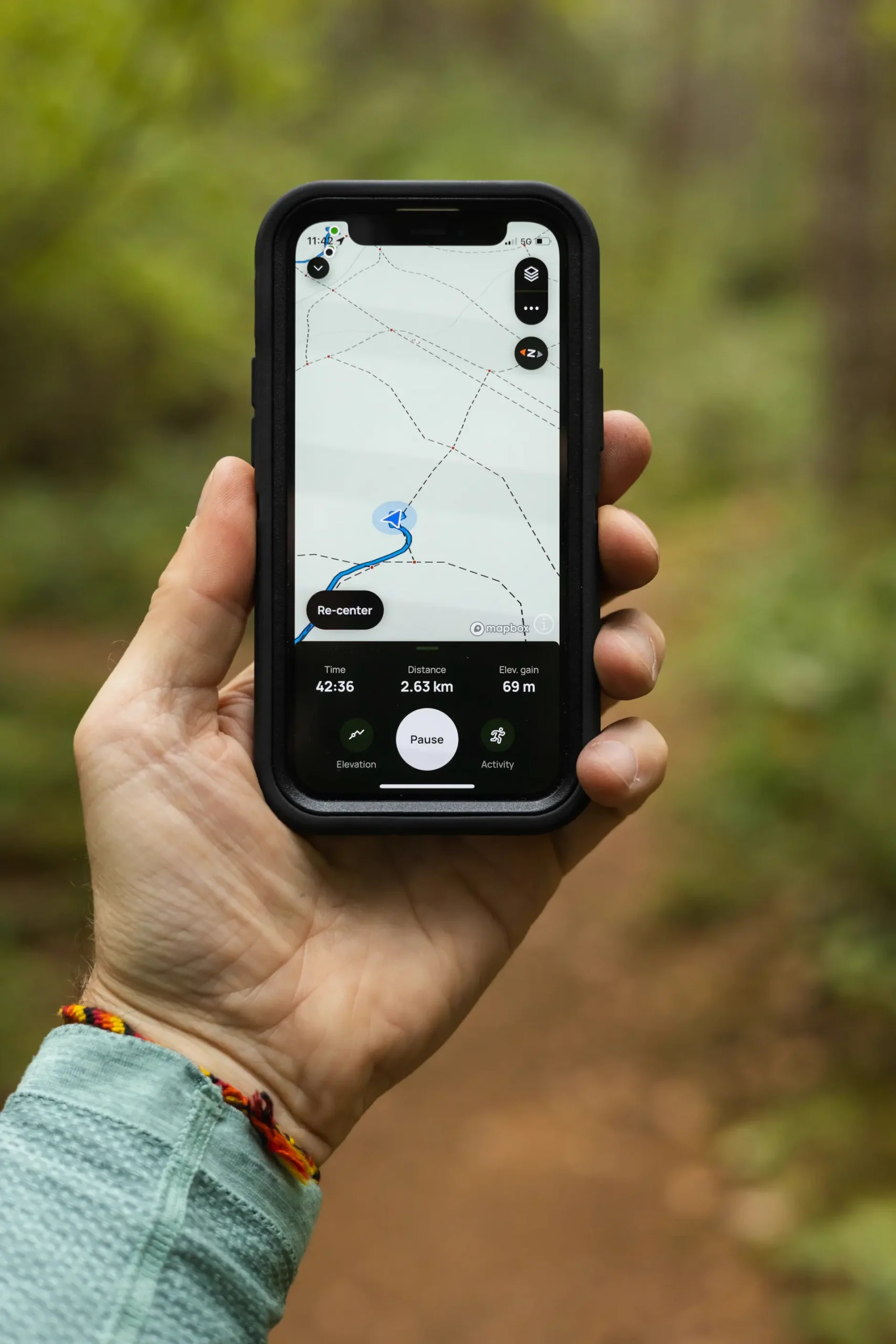
AllTrails is where most people start: a huge library of park trails with photos, reviews, difficulty ratings and recent condition reports from other hikers. It’s excellent for deciding which hike to do. Downloading maps for offline use and off-route alerts are part of the paid plan, so on the free tier, treat it as a planning tool rather than your navigation in the backcountry.
2. Gaia GPS — best for serious route planning
Gaia GPS is the favorite of backpackers who plan multi-day routes. Its strength is map layers — topographic, satellite and specialty overlays — and precise route drawing. Offline maps require the premium subscription, but if you’re heading into the backcountry for several days, it’s one of the most capable tools available.
3. Organic Maps — best free all-round offline map
Organic Maps is a free, open-source app built on OpenStreetMap data. You can download entire regions for offline use without limits, there are no ads and no account, and many park trails are mapped in detail. It’s an excellent baseline app to install for any park trip.
4. OsmAnd — best for people who love settings
OsmAnd also uses OpenStreetMap data but adds a huge range of options: contour lines, hillshading, detailed track recording and custom map styles. It rewards time spent learning it. The free version limits the number of map downloads.
5. onX Backcountry — best for knowing whose land you’re on
In and around national parks, boundaries matter: park land, national forest, wilderness areas and private property often sit side by side. onX Backcountry shows land ownership and public-land boundaries in the US, which is especially useful at the edges of parks and on nearby national forest trails.
6. MushTrail — best for getting back when you leave the trail
Most hiking apps assume you’re on a marked trail. But plenty of park visitors aren’t: they wander off to a viewpoint, follow a creek, look for wildlife, or pick berries where it’s allowed in adjacent national forests. MushTrail is built for that situation. You tap one button where you leave the car or the trail, the app records your path by GPS, and when you’re ready, a single arrow shows the direction and distance back to your starting point — no map reading required. While you still have signal, it downloads an offline map of the surrounding area by itself, so there’s nothing to prepare. The way back is free on iPhone and Android. It isn’t a trail catalog or a route planner, so pair it with one of the apps above.
Which apps should you install?
Most visitors need two: one app to find the hike and one that works without signal when things don’t go to plan. For a fuller side-by-side breakdown of how the main offline GPS apps for hiking compare — what “offline” means in each and where each falls short — it’s worth reading a detailed comparison before your trip.
Don’t forget the basics
- Download maps the night before while you’re on Wi-Fi.
- Carry a power bank. GPS recording and a bright screen drain batteries faster in the cold.
- Bring a paper map and compass for longer hikes; rangers still recommend them.
- Tell someone your plan and expected return time.
- Check park alerts for closures, weather and trail conditions before you set off.
The takeaway
No signal doesn’t have to mean no navigation. Choose your trail with a planning app, keep a reliable offline map on your phone, and make sure you have a simple way back to the car. Then you can enjoy the quiet that makes national parks special — without worrying about the bars on your screen.