Before You Lose Signal: What to Save for a National Park Road Trip
You probably know where your hotel confirmation is. Finding it without an internet connection is a different question.
The same goes for the park entrance you bookmarked, the campsite instructions in your email and the map you assumed your phone had saved. At home, all of them open quickly enough that there is little reason to think about where they are stored.
On a national park road trip, those small assumptions can become inconvenient. You arrive at a junction and the map stops loading. You reach the campground but cannot find your site number. The address you need is inside an attachment that never finished downloading.
Before packing, spend five minutes checking what your phone can actually open without a connection. It is a modest bit of preparation that can save a frustrating stop later.
Put Your Phone in Airplane Mode Before You Pack
Turn on airplane mode, then check that Wi-Fi is also off; some phones leave it enabled or remember your previous setting. Now try to follow the first part of your planned visit.
Can you open the route to the correct entrance? Find your campsite or lodging address? Retrieve the reservation staff may ask to see?
An email sitting in your inbox does not necessarily mean its attachment is available offline. Likewise, a saved place in a navigation app may be only a bookmark. The app could still need to download the surrounding map before it can show you anything useful.
Check beyond the first screen. Open the attachment, zoom into the map and bring up the actual booking details. A thumbnail or confirmation heading tells you very little about what will work later.
Anything that fails belongs on your download list. You have now found the gaps while fixing them is still easy.
Save the Details You Cannot Afford to Lose
Start with the approach to the park. Large parks can have several entrances, sometimes hours apart by road. Save the entrance that serves your actual destination, along with enough surrounding map coverage to reach it from your overnight stop.
For example, downloading the area around a trailhead may leave out the highway junction where you need to turn. Check the edges of your downloaded map instead of assuming the whole journey is covered.
The official National Park Service app lets visitors download park content for offline use. It is a useful place to begin for park maps and visitor information. Use your navigation app separately to prepare the driving route, and test both before leaving.
Next, save your reservation details somewhere easy to find. A folder labeled with the trip name is more practical than searching through months of screenshots at an entrance station. Include lodging instructions and campsite numbers, especially if you expect to arrive after the office closes.
Check the instructions for any ticket or permit before relying on a screenshot. Some documents need to be printed or displayed in a particular way. Keep the required version, with an offline copy as a backup where appropriate.
If you are traveling in separate vehicles, agree on a meeting place and time before entering an area with limited service. Pick a specific location shown on everyone’s map. “We’ll text when we get there” depends on a connection that may never arrive.
A paper map is worth bringing, too. It gives someone in the passenger seat a way to follow the route without borrowing the driver’s phone, and remains useful when a battery runs low.
Offline Information Can Still Become Outdated
A saved map can tell you where a road goes. It may not tell you that the road closed this morning.
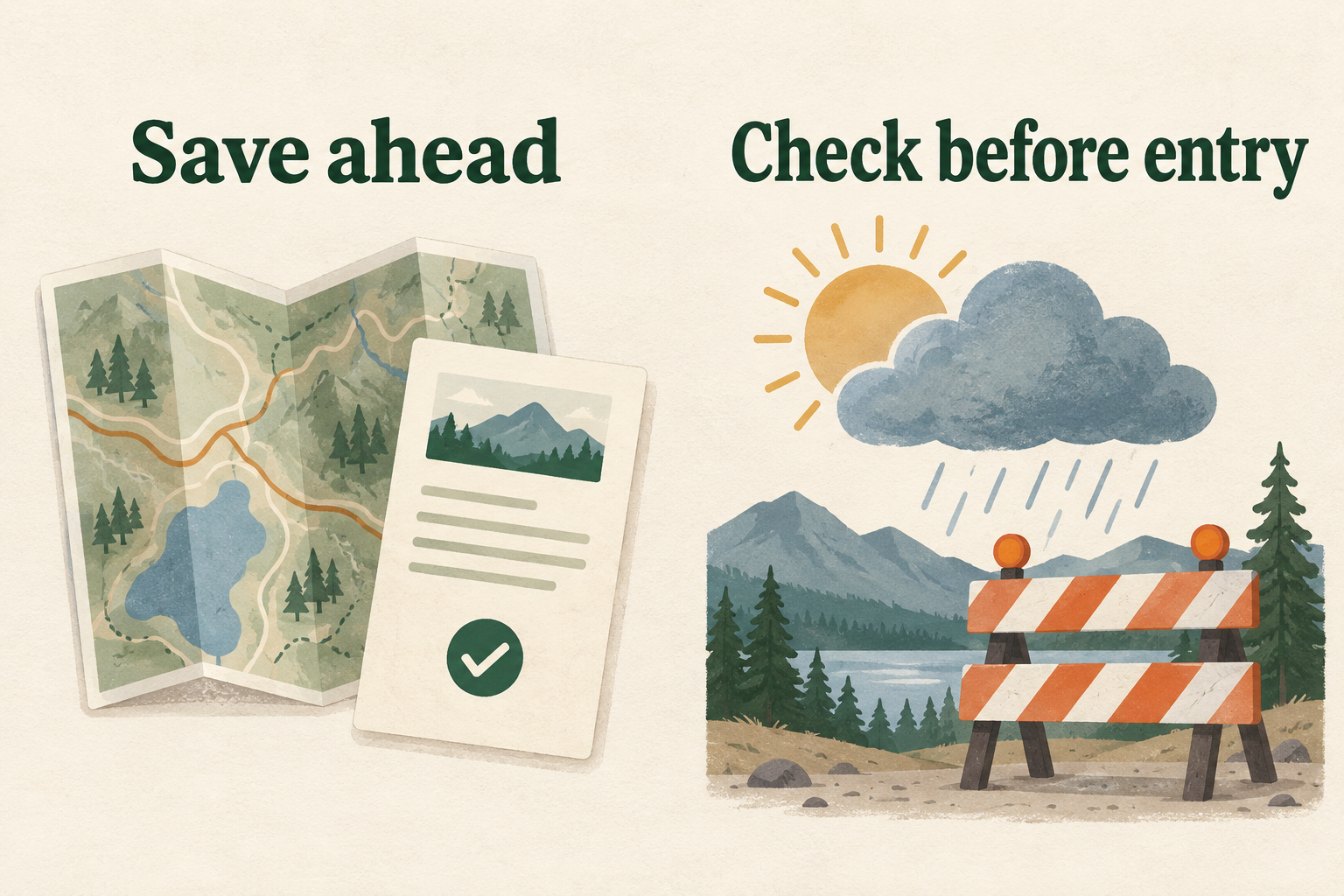
Keep that distinction in mind when deciding what to download early and what to check closer to your visit. Booking references and lodging addresses can usually be saved well ahead of time. Weather, road closures, shuttle arrangements and park alerts need a more recent check.
Before heading into the park, look at its official current-conditions and alerts pages while you still have a reliable connection. For a trip covering several parks, check each one separately.
Pay attention to dates on saved notices. An old screenshot can look just as convincing as a fresh one, particularly when you are tired and looking for a quick answer. Replace outdated copies so you do not have to work out which version is current at the roadside.
Once inside the park, follow posted closures and staff instructions even when they differ from the route on your phone.
When the Signal Returns, Reconnect With a Purpose
A stop at a lodge or café may give you a chance to update the next day’s plans and let someone at home know you have arrived. Wi-Fi availability varies, so avoid building the itinerary around finding a connection at every visitor center.
When shared Wi-Fi is available, confirm its name with staff or the facility’s posted instructions. If the connection is slow, prioritize the things you came online to do. A large photo backup can wait until your road information and booking details have loaded.
For connection privacy, a free VPN is one option to consider on shared Wi-Fi. It encrypts traffic between your device and the VPN server, limiting what the local network can observe. Many websites and apps already encrypt their content through HTTPS; using a VPN also means placing trust in the VPN provider.
Keep its role in proportion to the trip. A VPN cannot supply missing cellular coverage or make a fraudulent website safe. It belongs to the part of your preparation that concerns going online, alongside checking which network you have joined.
Test the Phone You Will Actually Carry
Finish any app setup at home, on the device coming with you. Open new apps and complete any required sign-in while you have a dependable connection. If you plan to use one of the X-VPN apps, this is also the time to install it and check that you know how to connect.
Then revisit the files that failed your first offline test. There is no need to rehearse the entire trip again; confirm that the missing maps and documents now open with both cellular data and Wi-Fi off.
Give the battery some attention before packing. Navigation and screen use still consume power offline. Bring a charged power bank with the right cable, and keep the phone out of direct sun in the car.
Finally, put a copy of the first night’s address and any essential arrival instructions somewhere another traveler can access them. If the main phone dies, someone else should still be able to find the place you are sleeping.